Dealers overview
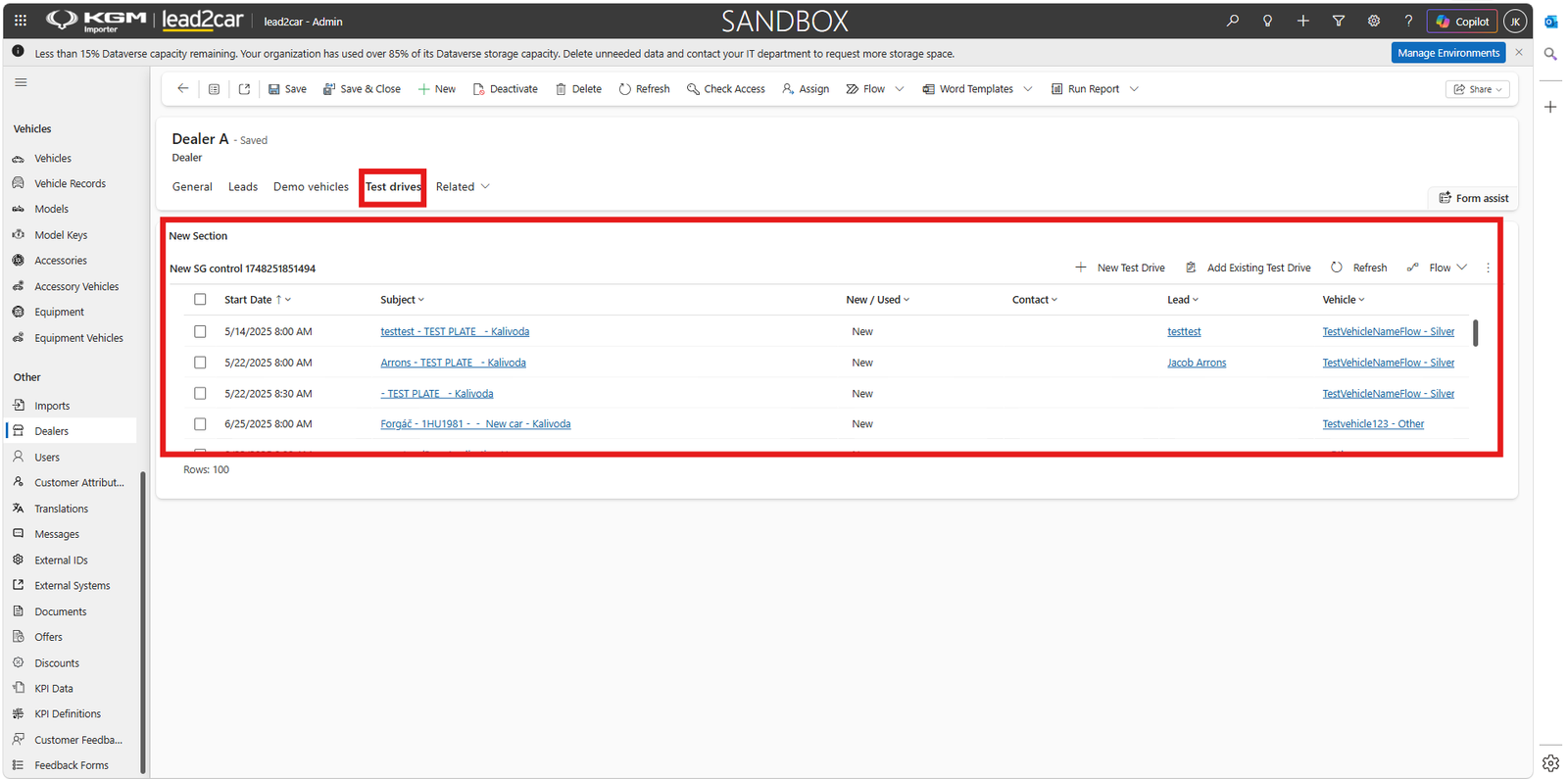
The Dealers section contains the dealer records available in the importer environment.
Open Dealers from the navigation menu. The active dealers view displays information such as dealer name, dealer ID, sales area, service area, city, country and creation date.
Select the required dealer from the list to open its record.
General dealer information
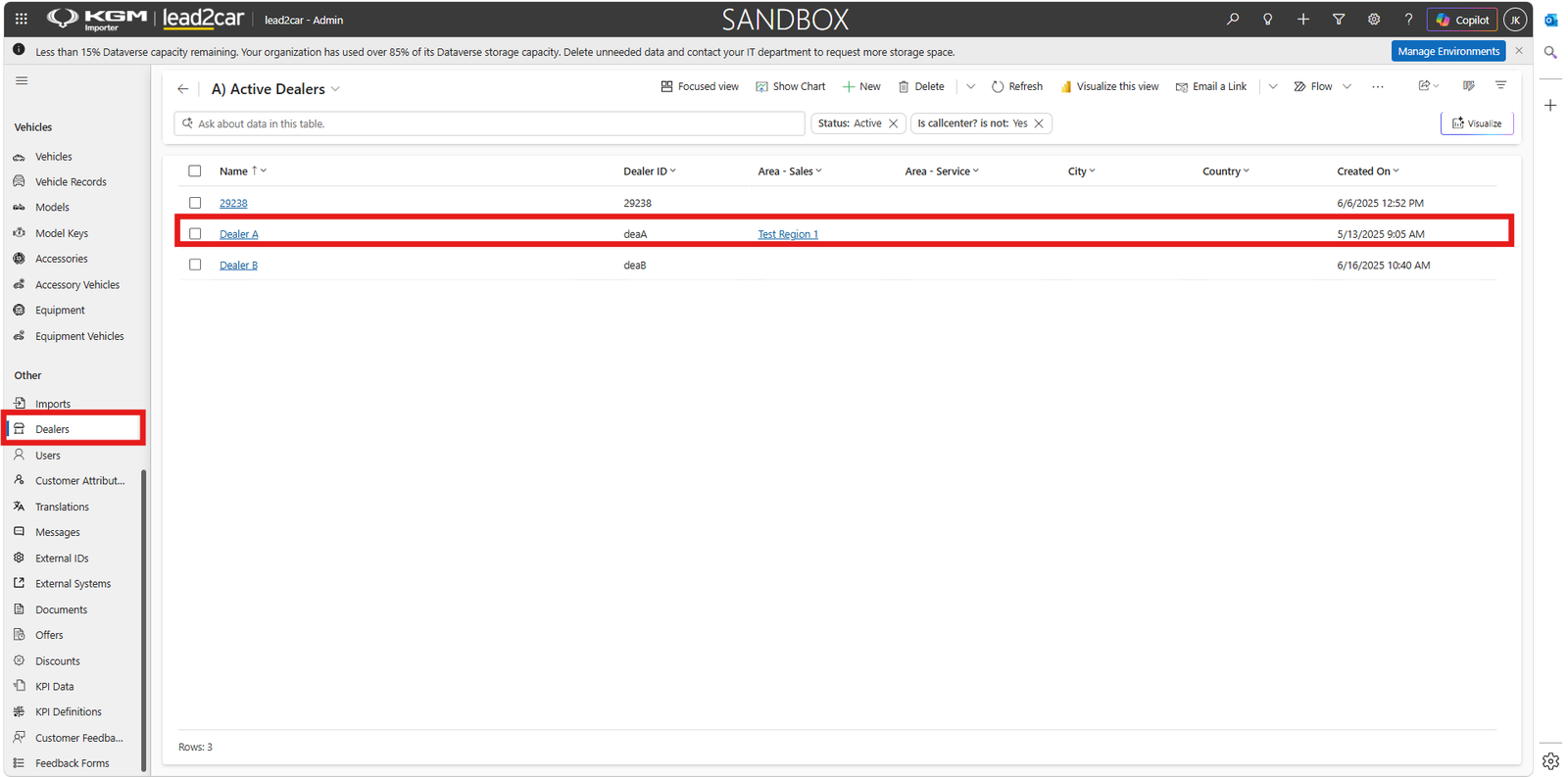
The General tab contains the dealer configuration and identification information.
Depending on the configured environment, the record may contain fields such as:
- Name
- Dealer ID
- Owner
- Parent company
- Send messages
- Visible by call center
- Internal dealer
- Vehicle brands
- Full function
After changing editable information, click Save or Save & Close.
Opening hours
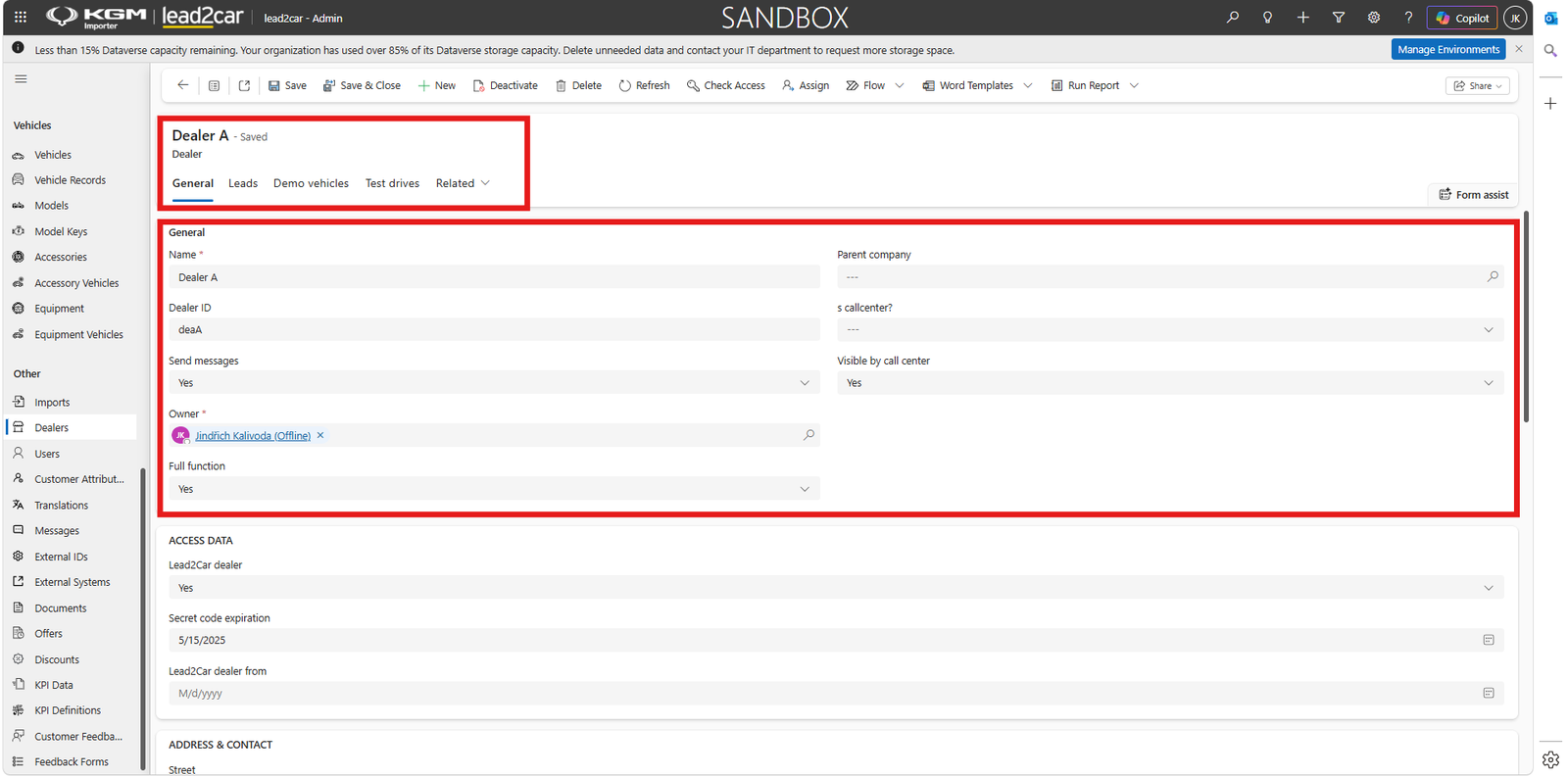
In the dealer record, scroll to the Opening Hours section and maintain the opening and closing time for each relevant day.
After entering or updating the opening hours, save the dealer record.
Dealer leads
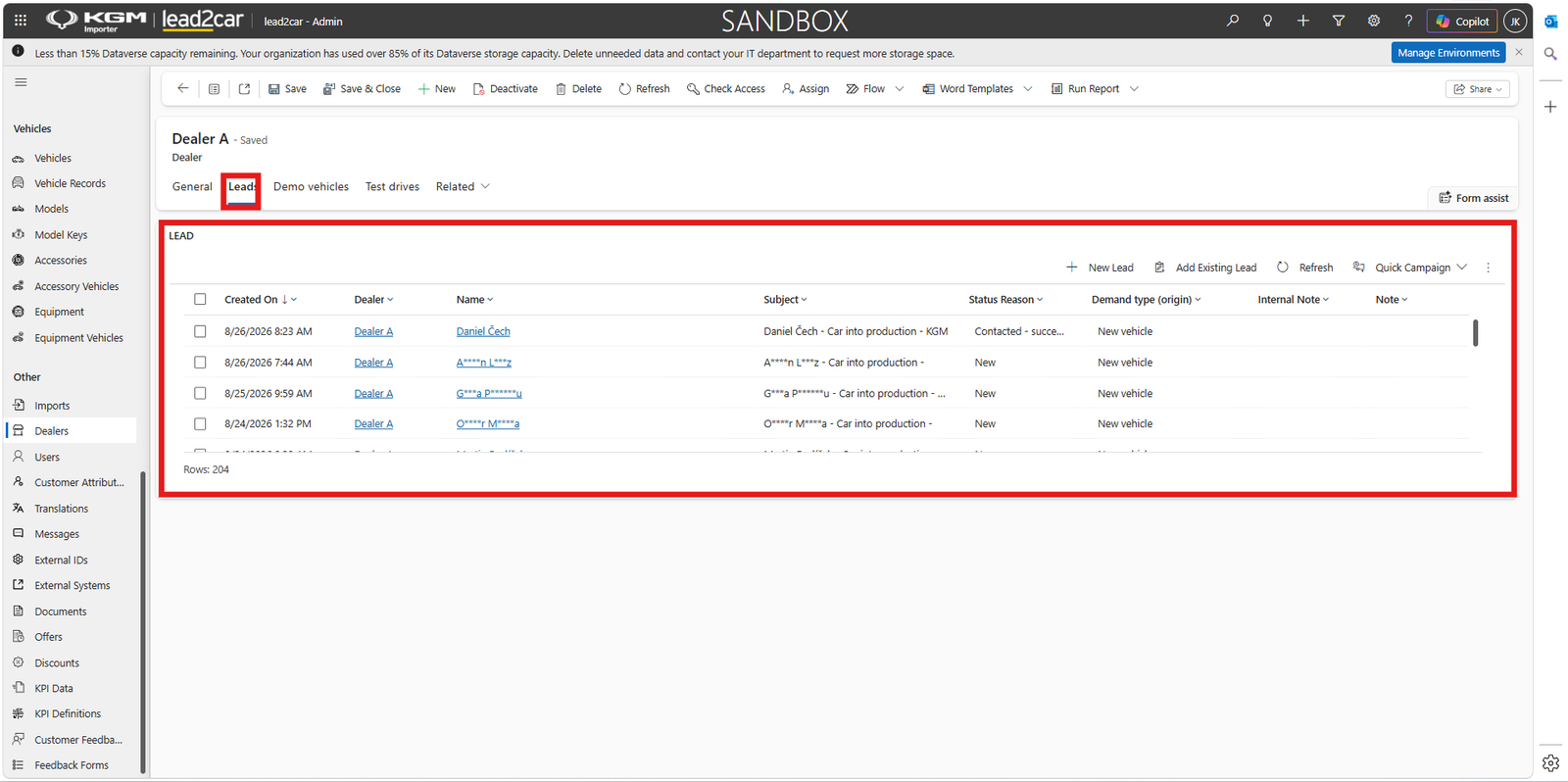
Open the Leads tab to display leads associated with the selected dealer.
The list can show information such as creation date, dealer, customer name, subject, status reason, demand type and notes.
Demo vehicles
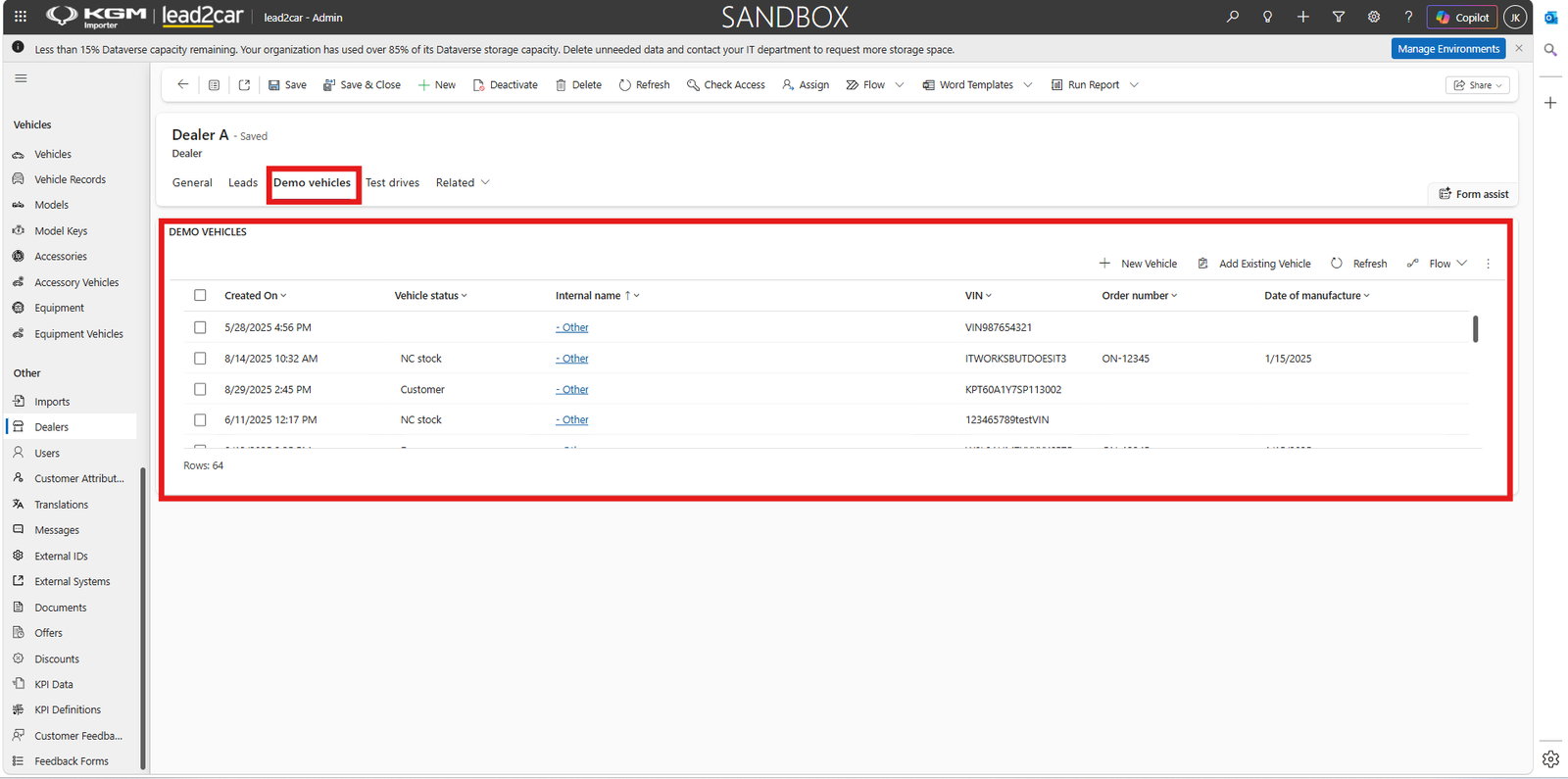
Open the Demo vehicles tab to review vehicles associated with the dealer for demonstration purposes.
The list includes available vehicle details such as creation date, vehicle status, internal name, VIN, order number and date of manufacture.
Test drives
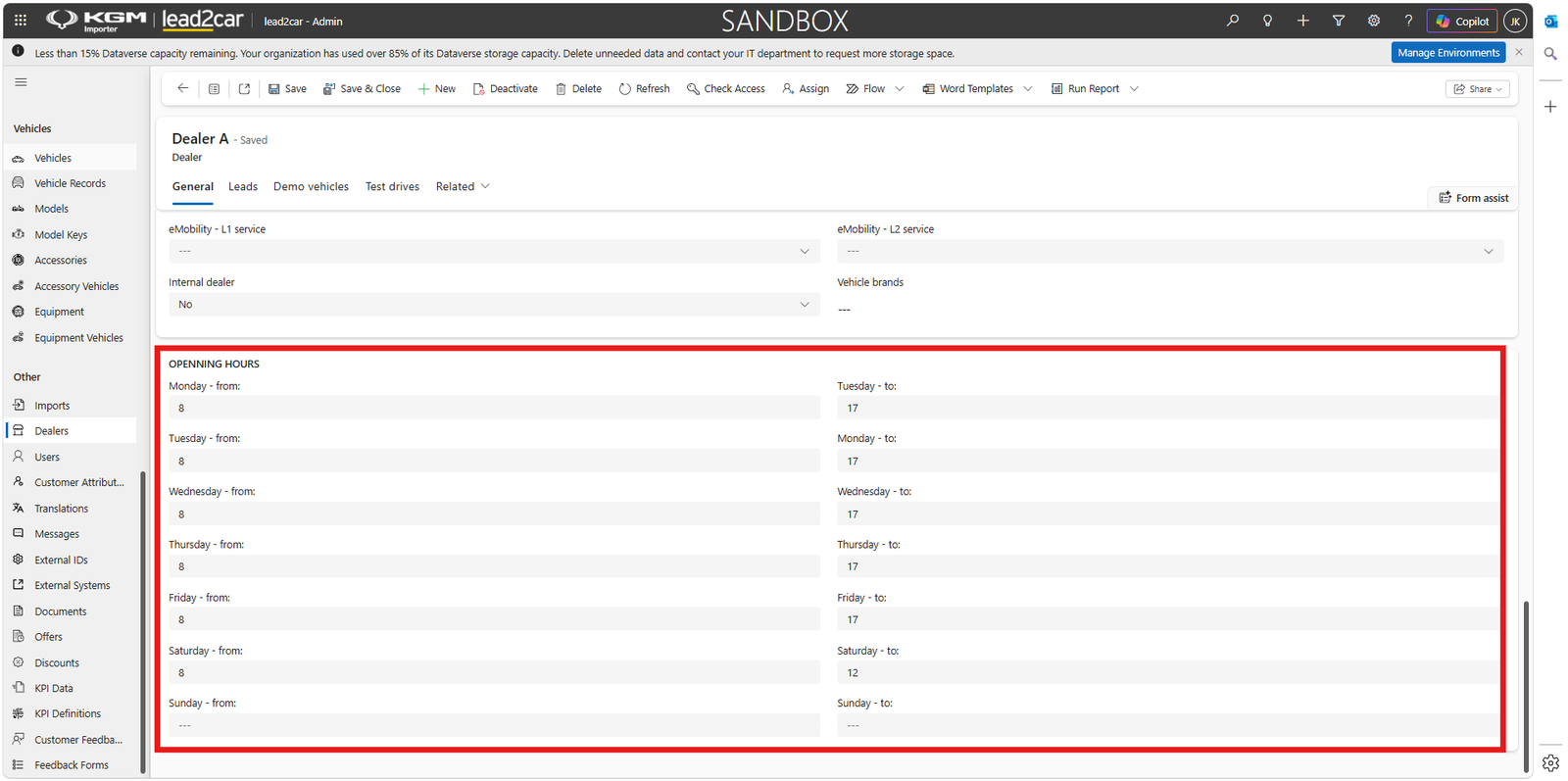
Open the Test drives tab to review test drives connected with the selected dealer.
The list can contain the start date, subject, new or used vehicle indicator, contact, lead and vehicle.