Lead overview
Importer leads are typically created when a customer submits an enquiry without selecting a specific dealership.
The role of the importer user is to review the lead, complete any required information and assign the lead to the appropriate dealership.
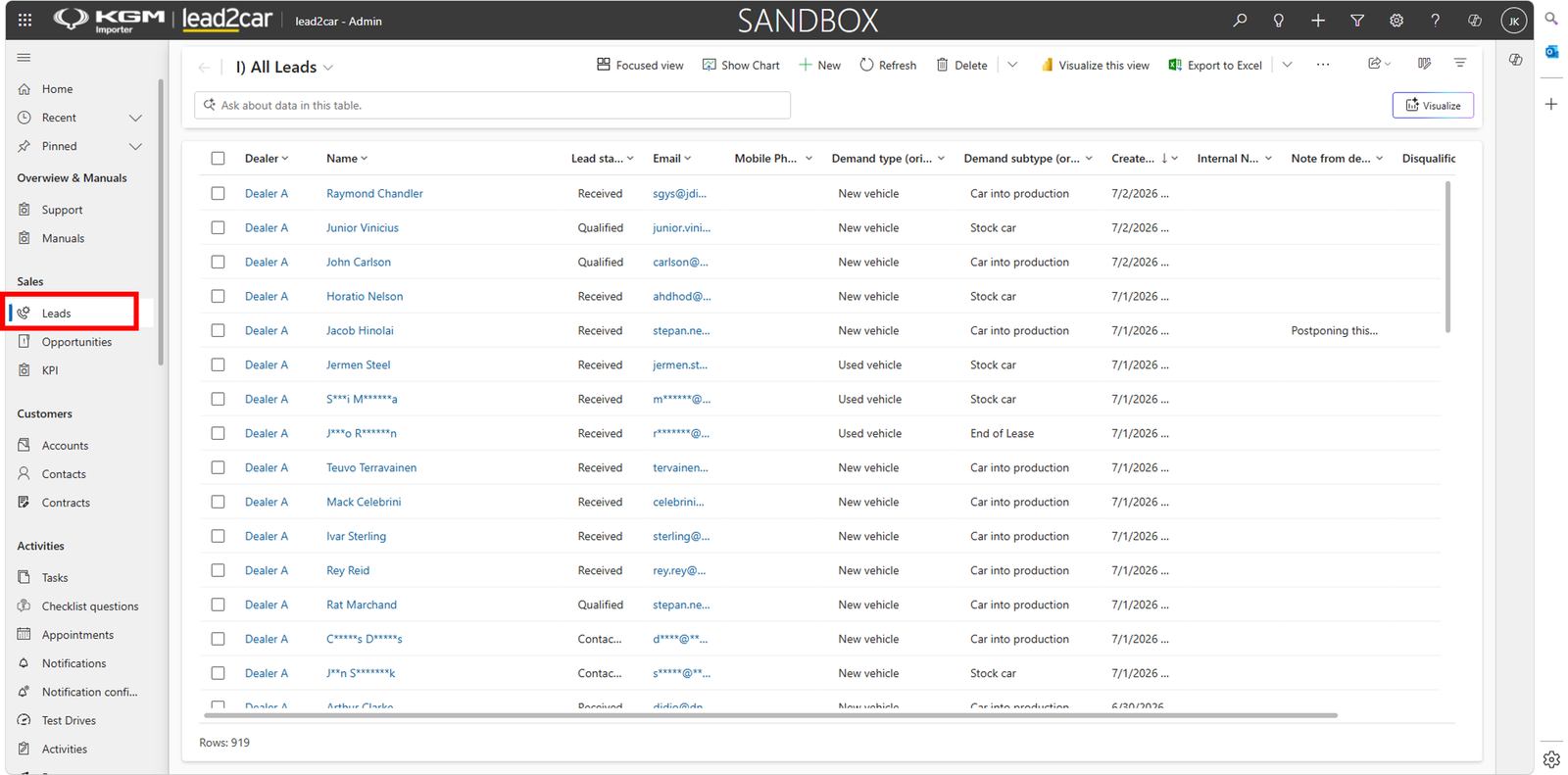
Leads remain in the importer environment until a dealership is assigned.
Lead details
Open the lead record to review customer and vehicle information.
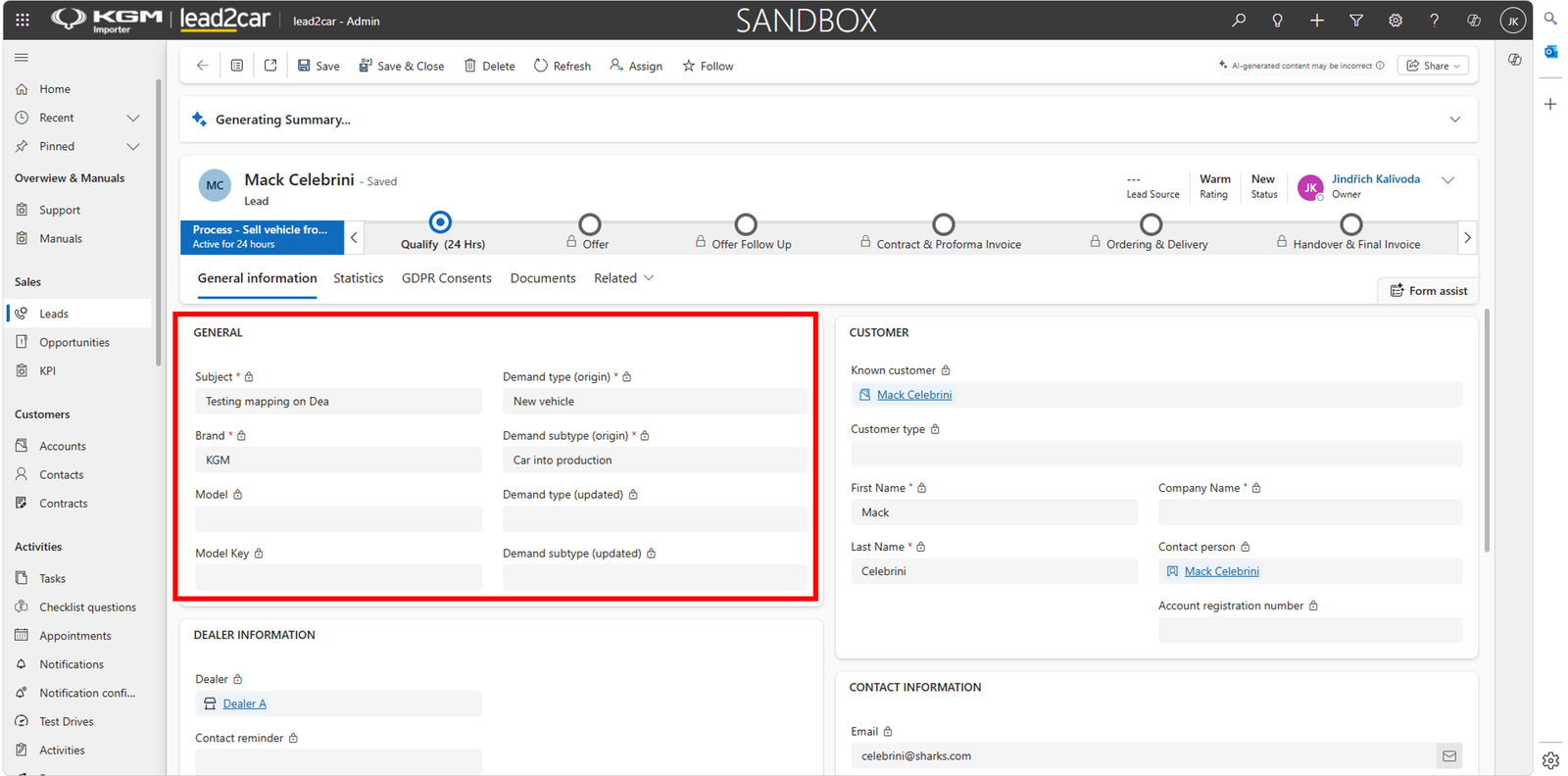
The upper section contains information about the requested vehicle:
- Brand
- Model
- Model Key
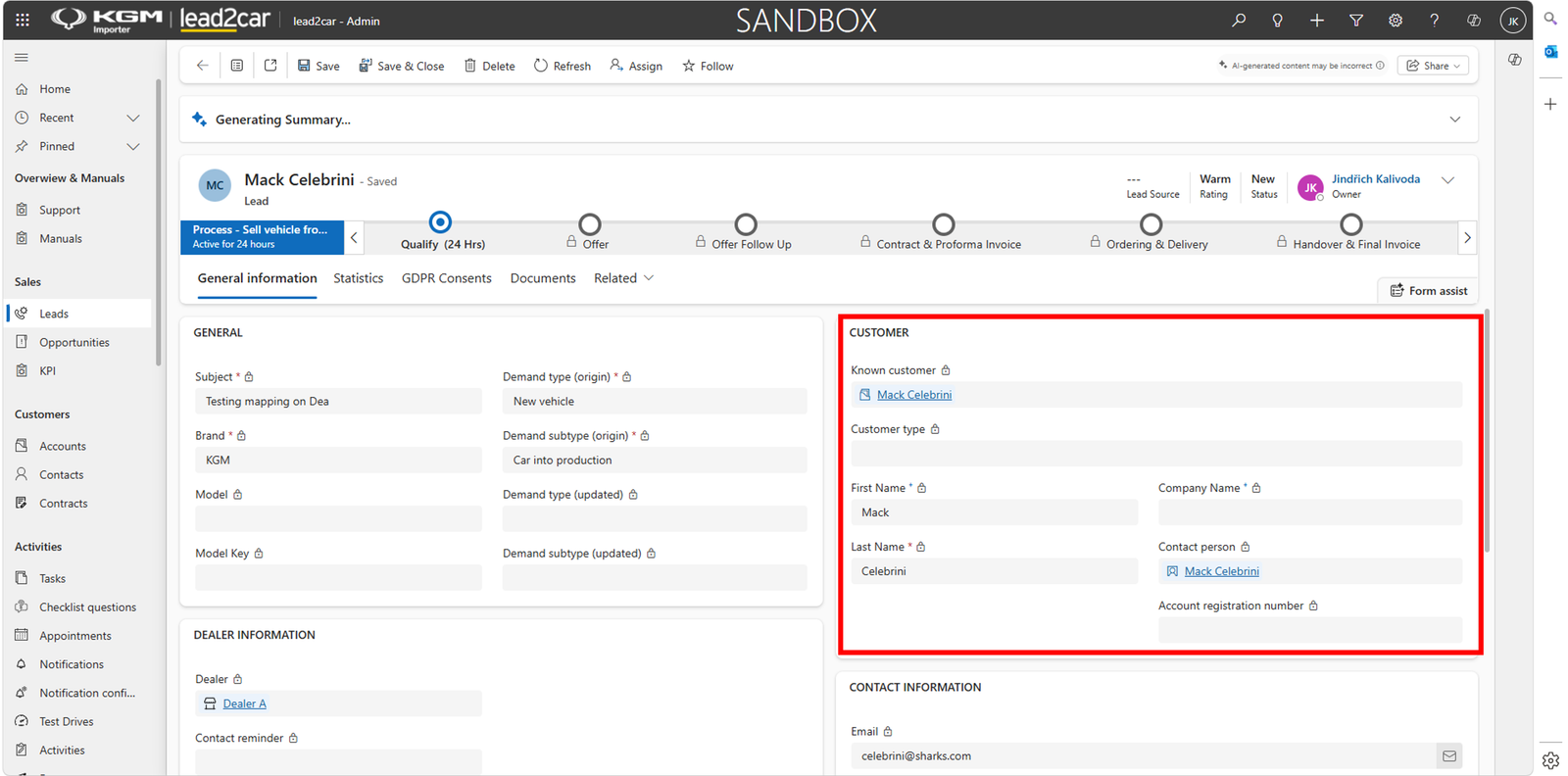
On the right side of the form, customer contact information is displayed.
Known customer
If the customer is already known
Multiple leads can be linked to a single customer profile.
Assign dealer
When all required information is completed, select the dealership that should process the lead.
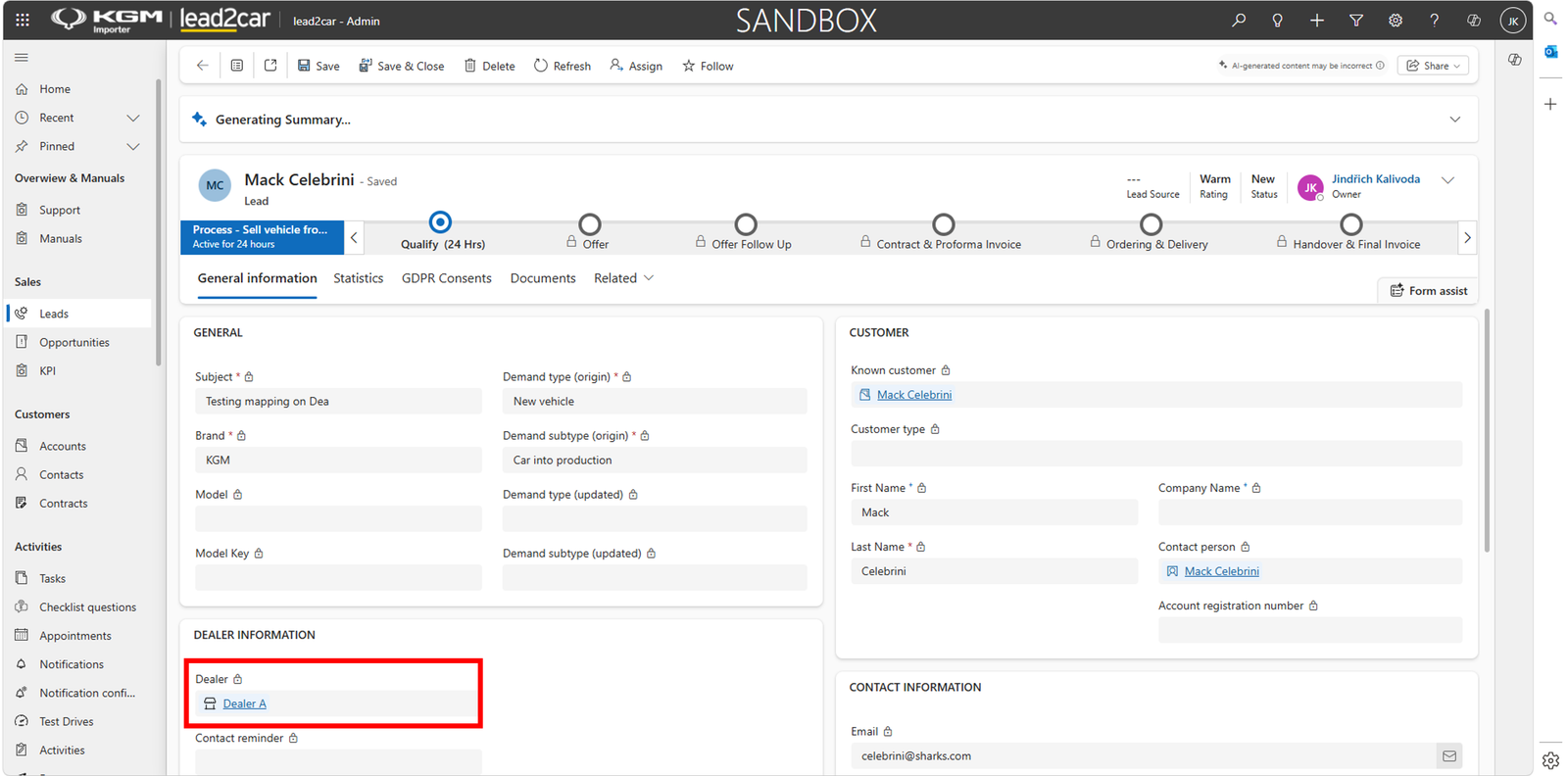
Once a dealer is assigned, the lead is automatically sent to the selected dealership and becomes available for processing in the dealer environment.