Tasks
Tasks are used to manage activities and reminders within the importer environment.
To view existing tasks, open the Tasks section from the Activities menu.
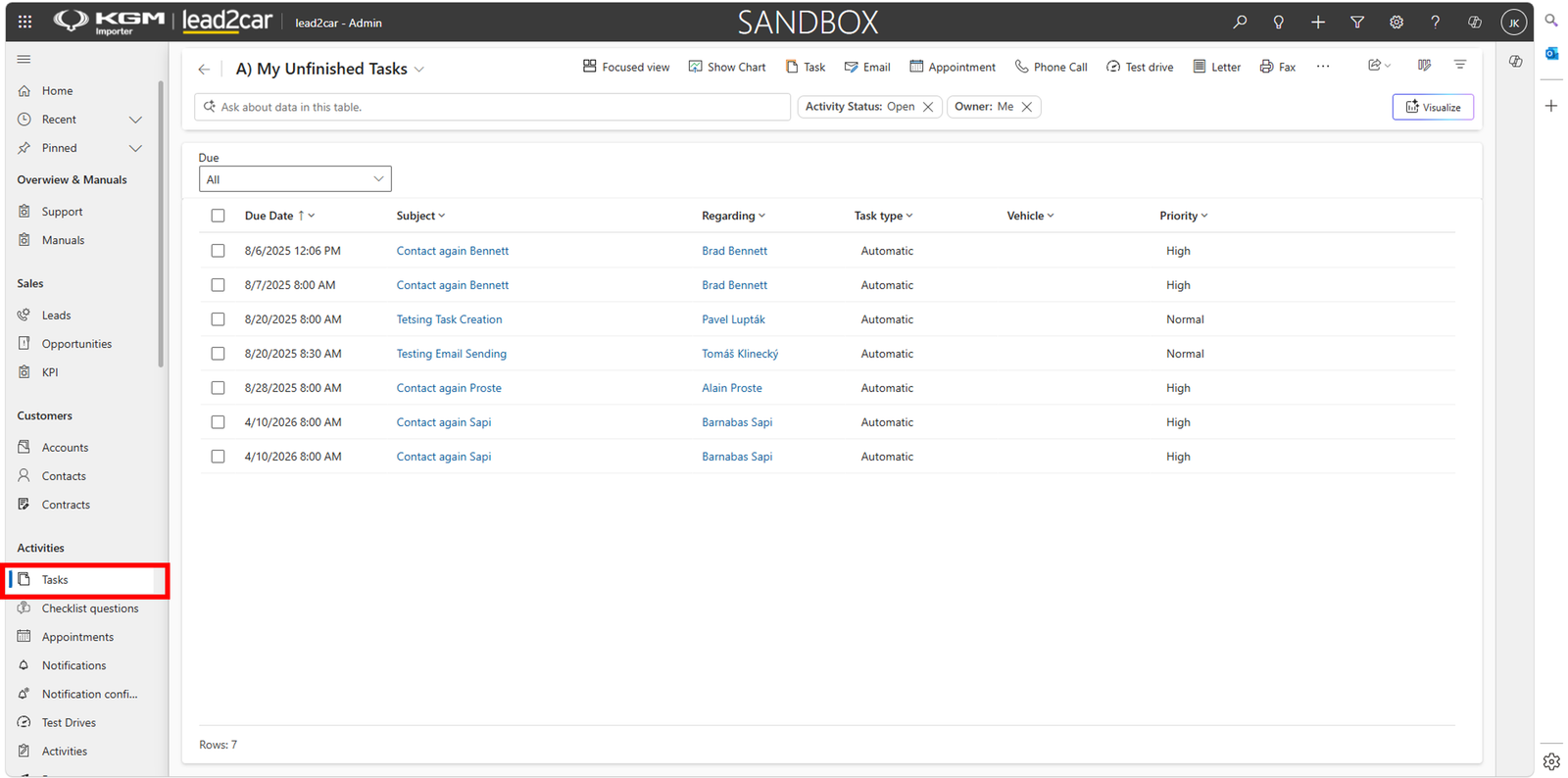
The task list displays all assigned tasks, including due date, subject, related record, task type and priority.
Creating a task
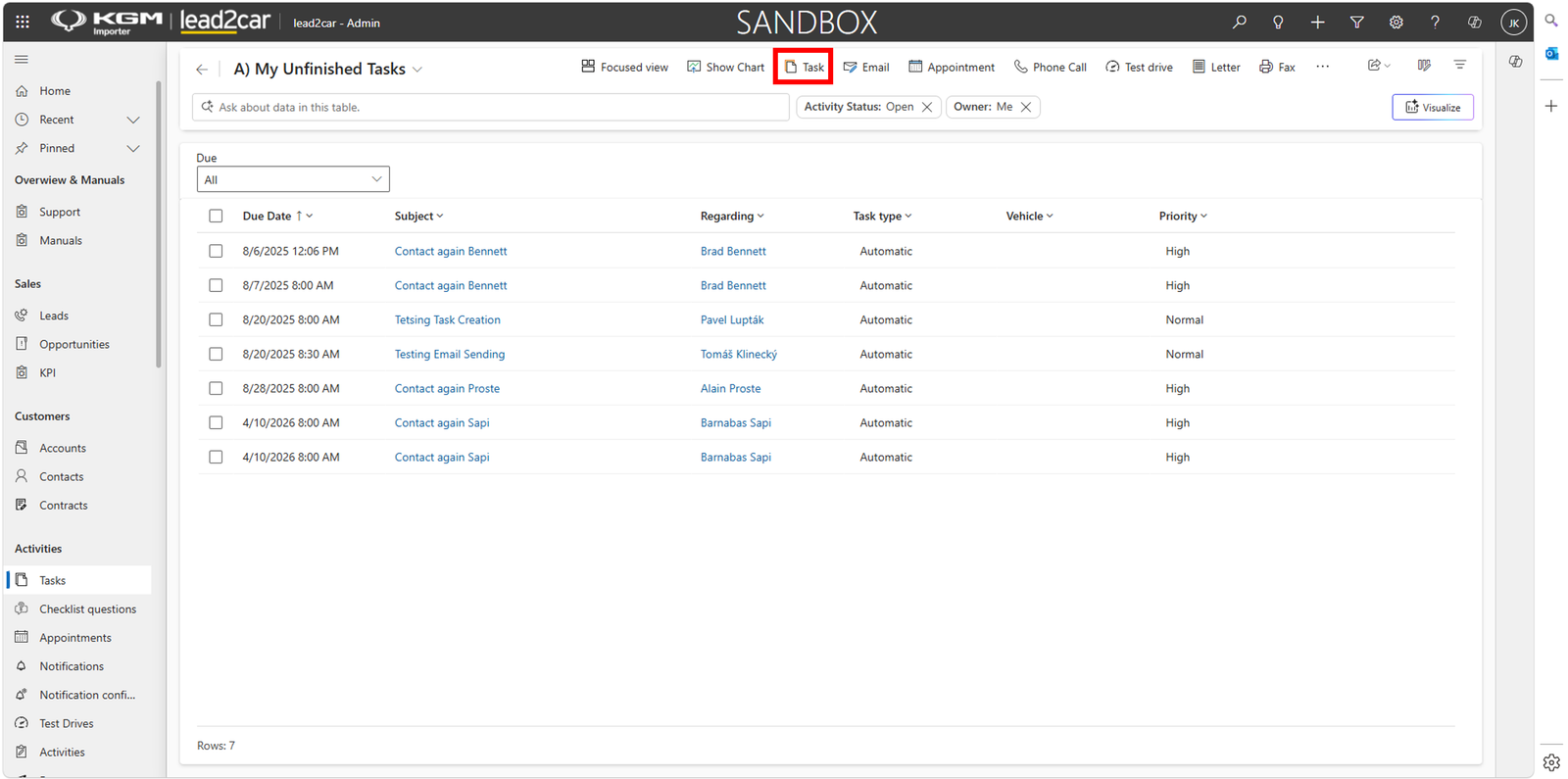
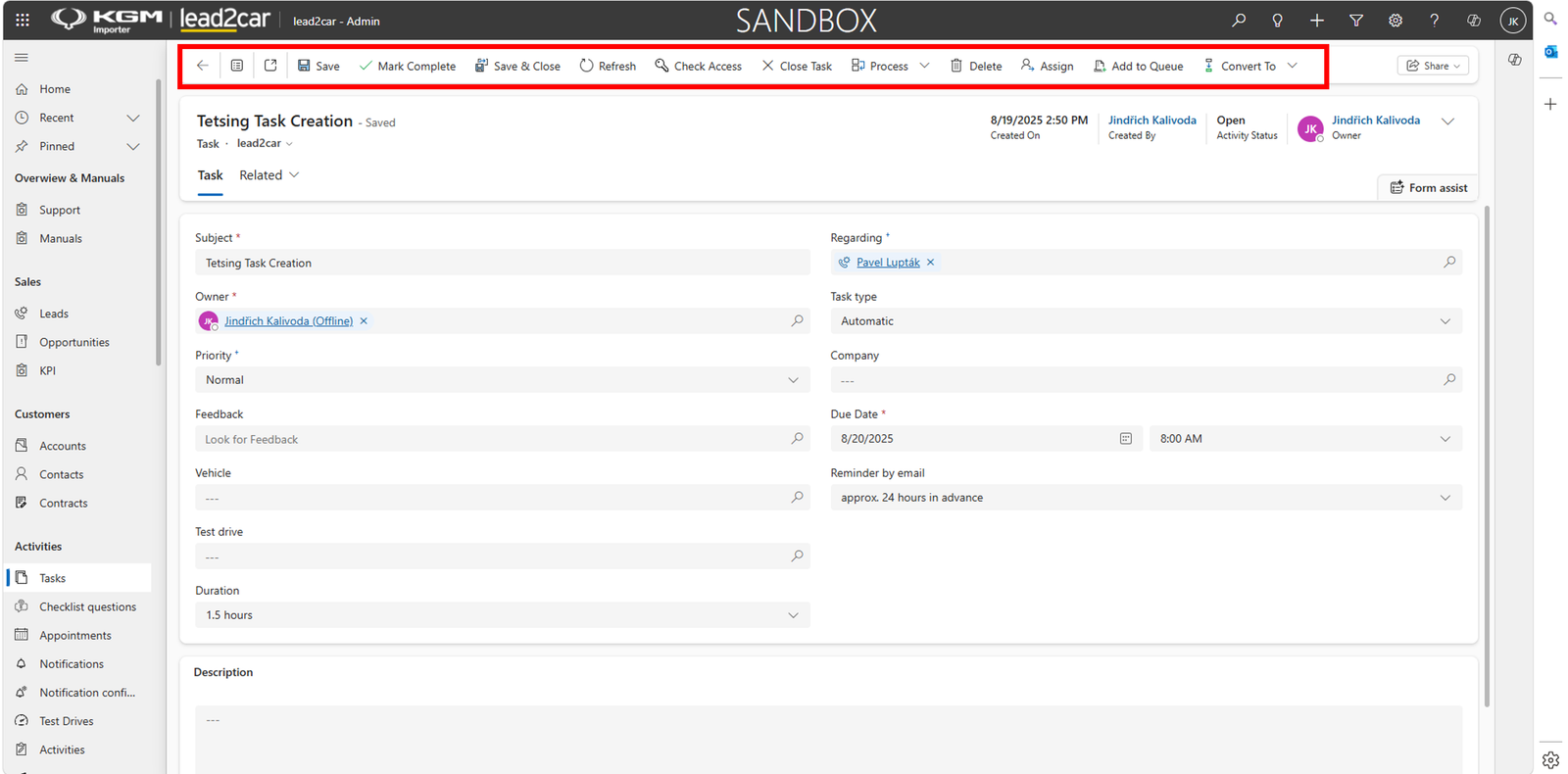
To create a new task, click Task in the command bar.
Fill in the task details:
- Subject – task description
- Regarding – related record
- Owner – responsible user
- Priority – task priority
- Due Date – date and time when the task should be completed
- Reminder by email – notification before the due date
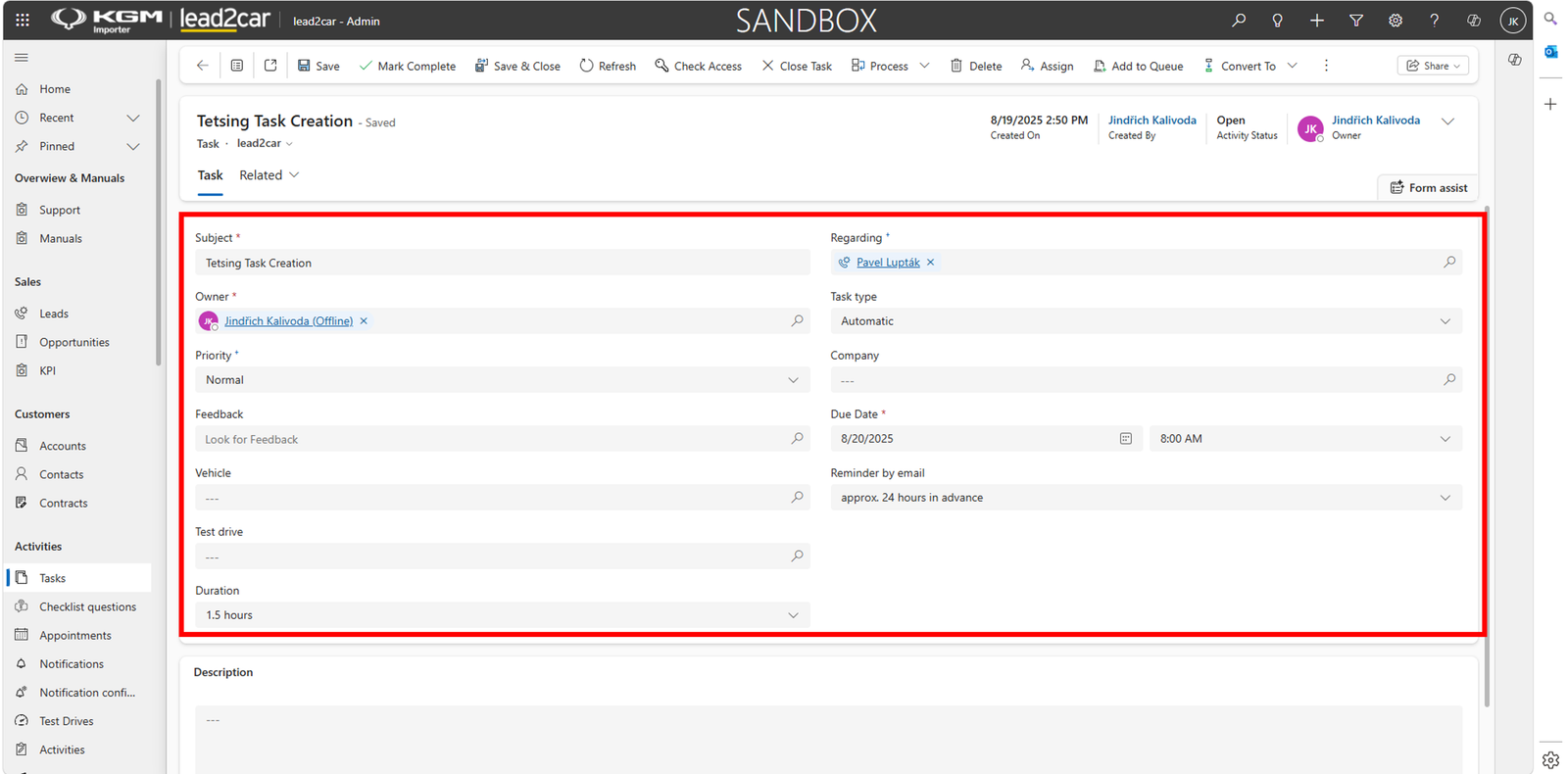
Additional fields such as Vehicle, Test Drive, Feedback and Description can be completed if required.
After entering all necessary information, click Save to create the task.
Completing a task
If the task has been completed, click Mark Complete to close it.
Appointments
Appointments are used to schedule meetings and other planned activities within the importer environment.
To view existing appointments, open the Appointments section from the Activities menu.
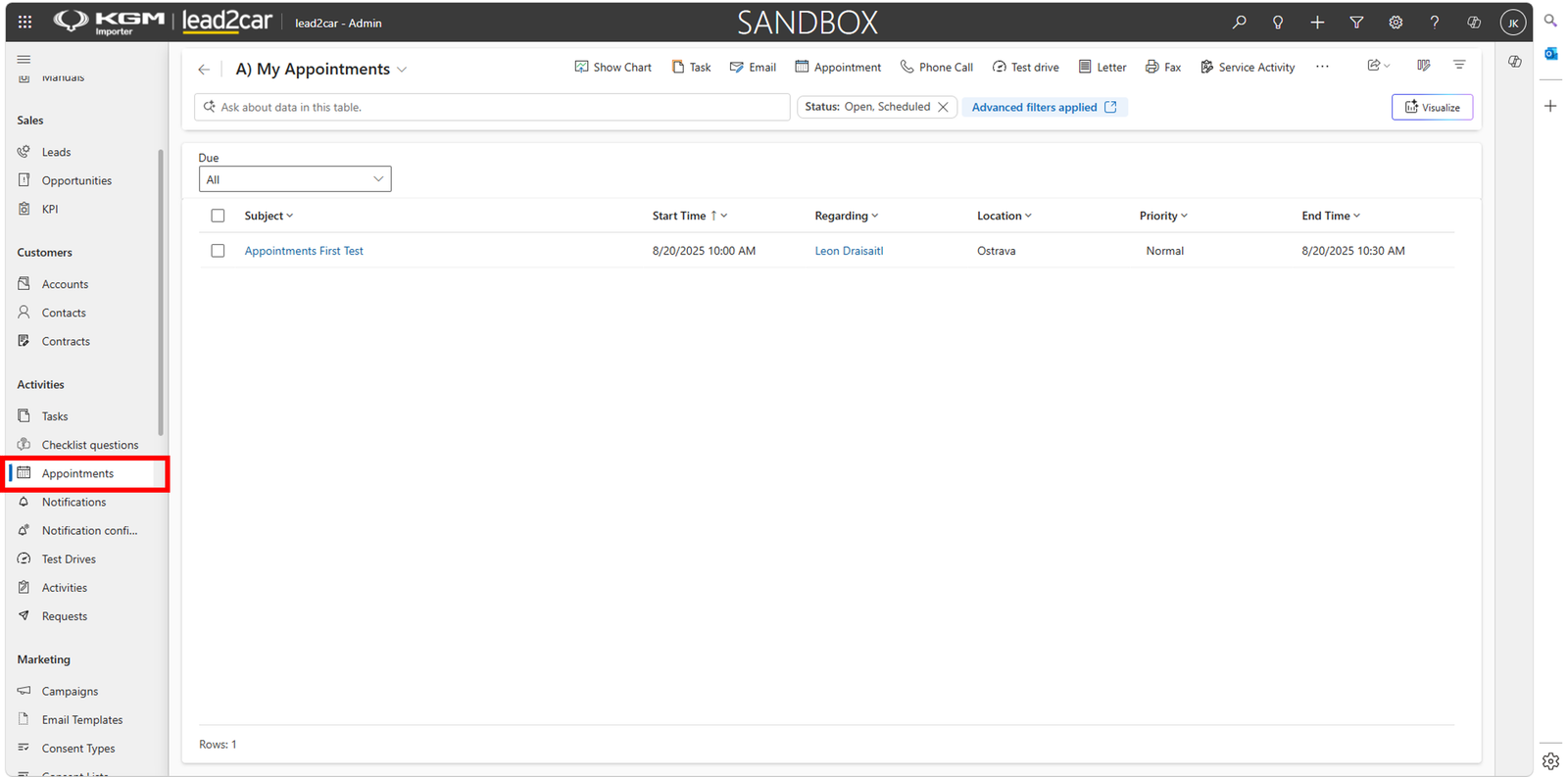
The appointment list displays all scheduled appointments, including subject, start time, related record, location, priority and end time.
Creating an appointment
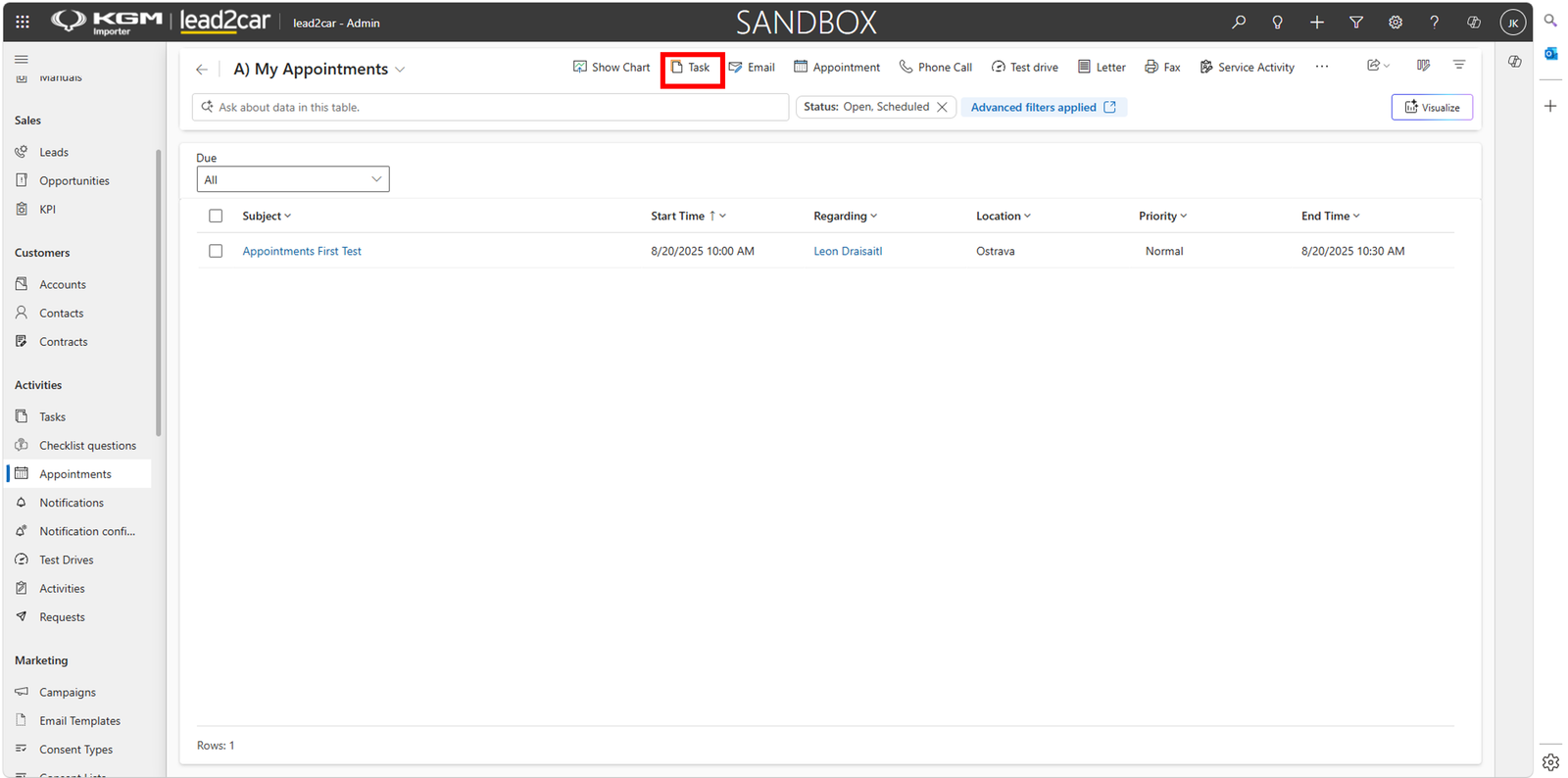
To create a new appointment, click Appointment in the command bar.
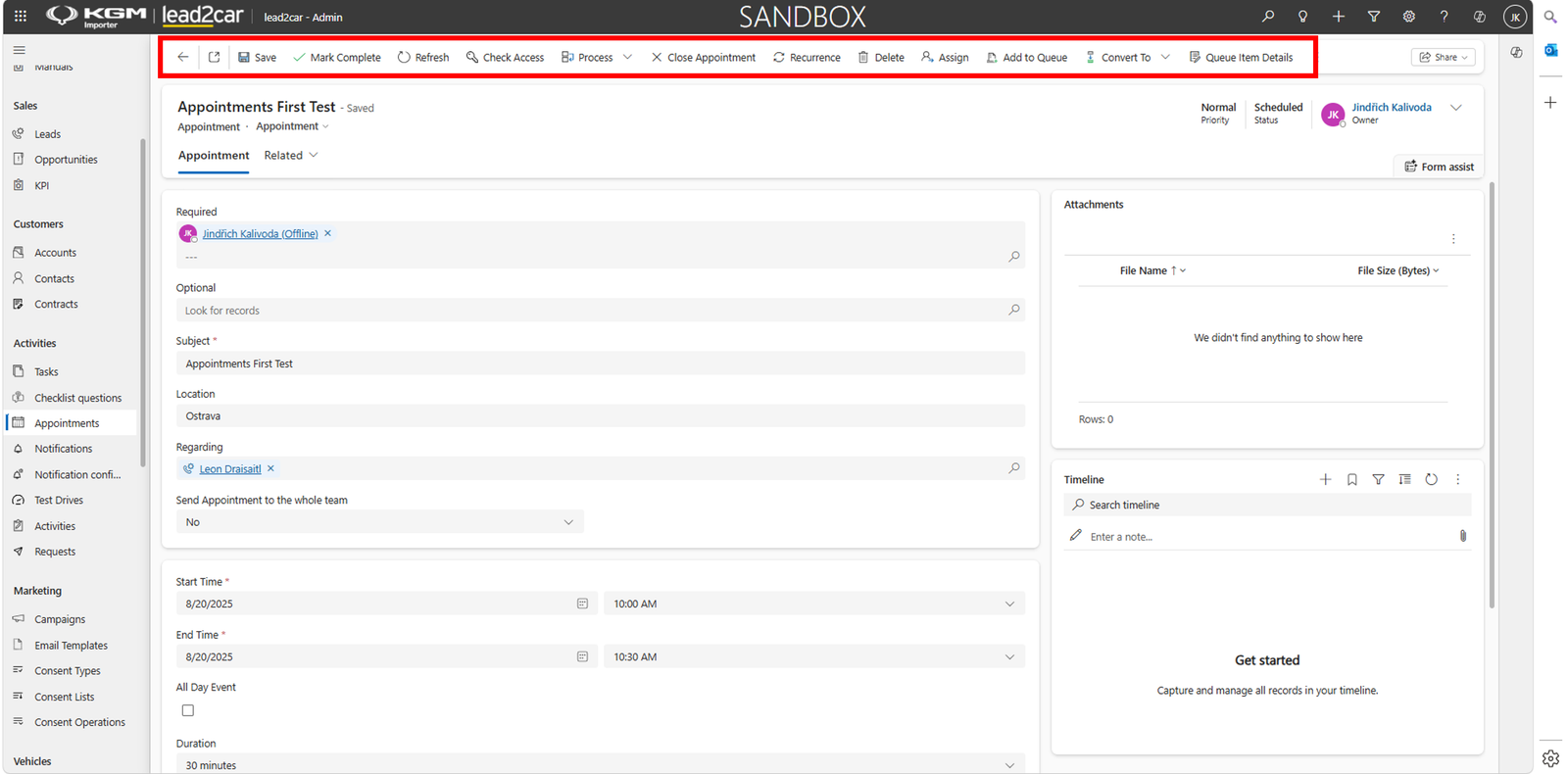
Fill in the appointment details.
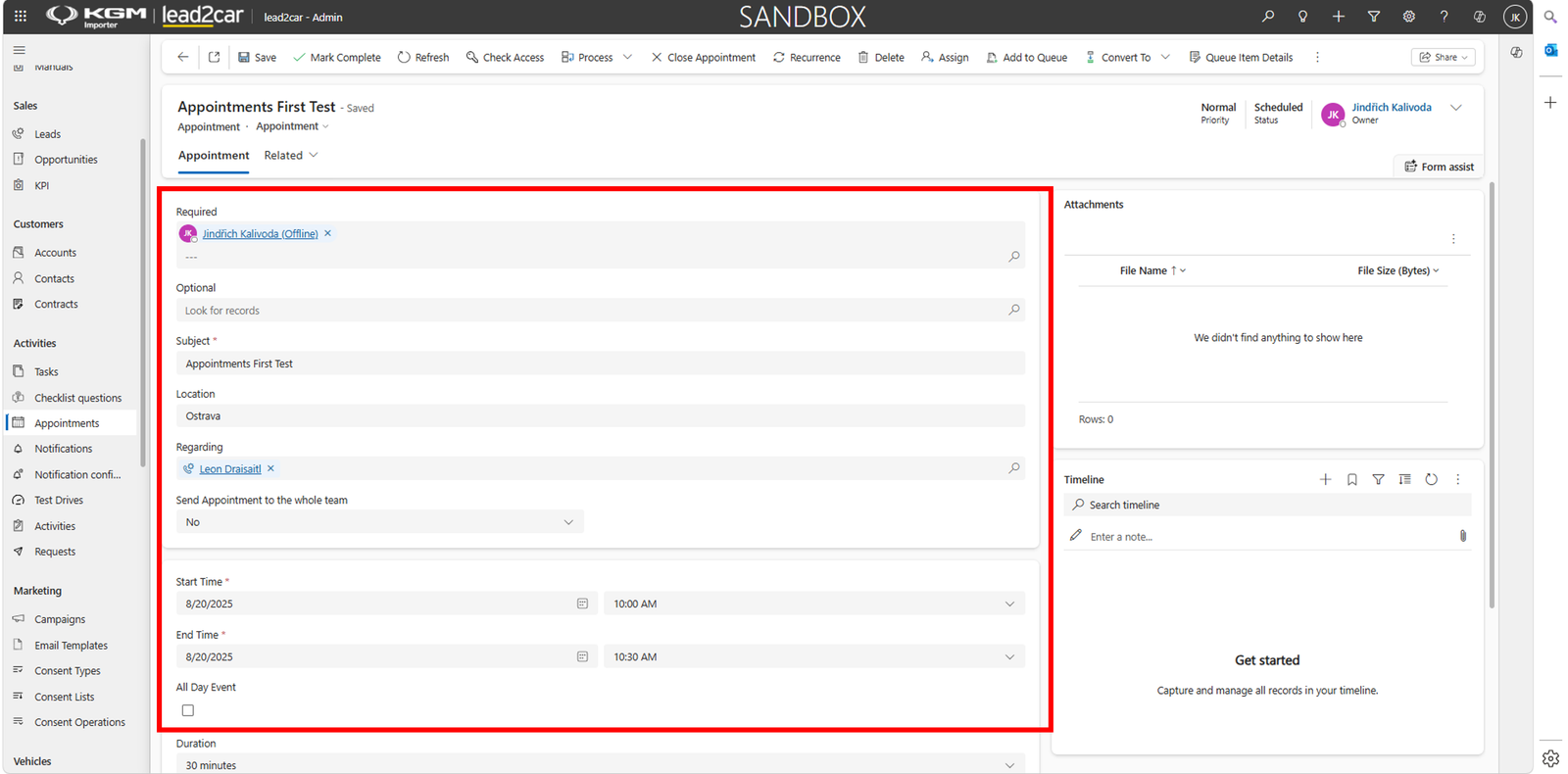
Additional information such as attachments, timeline notes and team participation can be added if required.
After entering all necessary information, click Save to create the appointment.
Completing an appointment
If the appointment has been completed, click Mark Complete.
The command bar can also be used to close the appointment, create recurring appointments, assign records, add them to a queue, convert records or manage additional appointment actions.